🌐 Introduction
Virtual machine (VM) software enables users to run multiple operating systems on a single physical machine, offering flexibility for testing, development, and deployment. Whether you’re a beginner exploring Linux or an IT professional managing large infrastructures, virtual machines are essential tools.
This guide highlights 10 popular virtualization platforms, covering their key features, supported platforms, and licensing types. Let’s dive in!
🥇 1. QEMU (Quick Emulator)
- Supported Platforms: Linux, macOS, Windows
- Type: Free
- Official Website: qemu.org
- Download Link: qemu.org/download
Overview:
QEMU is a powerful and open-source virtualization solution. It provides hardware emulation and can virtualize a wide range of processors, making it ideal for development and testing.
Features:
- Full system emulation.
- High compatibility with other VM platforms.
- Open-source flexibility.
Video Tutorial:
🥈 2. VirtualBox
- Supported Platforms: Linux, macOS, Windows, Solaris
- Type: Free
- Official Website: virtualbox.org
- Download Link: virtualbox.org/wiki/Downloads
Overview:
Oracle’s VirtualBox is a highly versatile and user-friendly platform ideal for developers and students.
Features:
- Supports multiple guest OSes.
- Snapshots for easy state recovery.
- Extensible through plugins.
Video Tutorial:
🥉 3. Parallels
- Supported Platforms: macOS
- Type: Premium
- Official Website: parallels.com
- Download Link: parallels.com/products/desktop/buy
Overview:
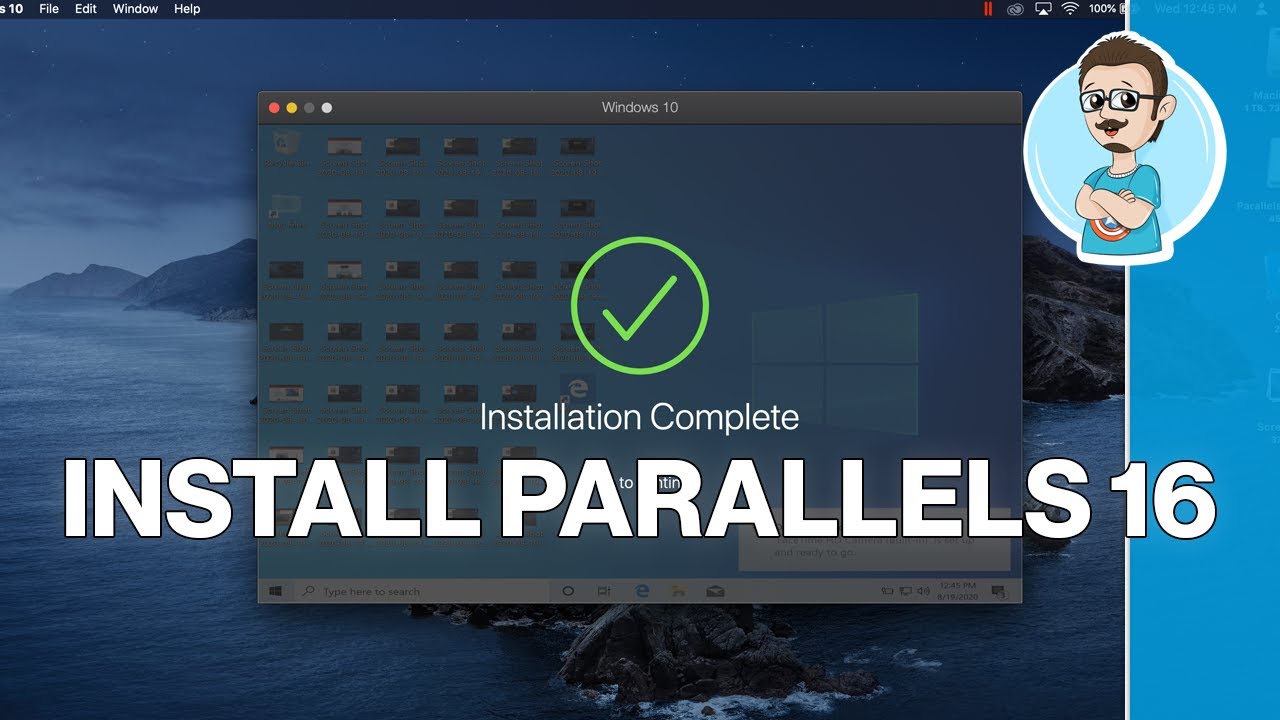
Parallels is designed for macOS users seeking seamless virtualization. Its integration with macOS features makes it a premium choice.
Features:
- Optimized for macOS with minimal resource usage.
- Full Windows experience on Mac.
- Quick installation of OSes.
Video Tutorial:
🛡️ 4. Xen Project
- Supported Platforms: Windows, Mirage OS, Linux
- Type: Free
- Official Website: xenproject.org
- Download Link: xenproject.org/downloads
Overview:
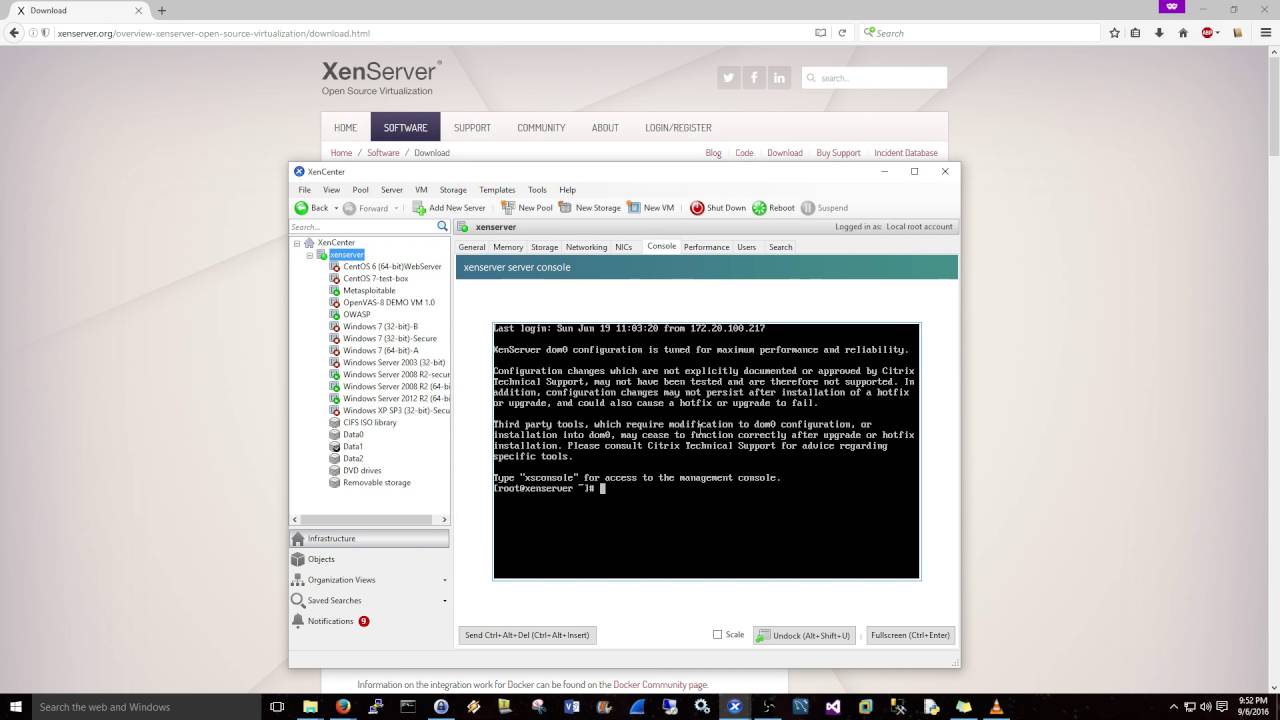
Xen is a high-performance virtualization solution for enterprise-level applications. It supports paravirtualization for optimized performance.
Features:
- Advanced security and isolation.
- Ideal for cloud-based environments.
- Scalable for large systems.
Video Tutorial:
💻 5. KVM (Kernel-based Virtual Machine)
- Supported Platforms: Linux, Windows
- Type: Free
- Official Website: linux-kvm.org
- Download Link: linux-kvm.org/page/Downloads
Overview:
KVM transforms a Linux machine into a hypervisor, making it a favorite among Linux professionals.
Features:
- Built directly into the Linux kernel.
- Exceptional performance and stability.
- Ideal for enterprise applications.
⭐ 6. VMware Workstation Pro
- Supported Platforms: Linux, macOS, Windows
- Type: Premium
- Official Website: vmware.com
- Download Link: vmware.com/go/downloadworkstation
Overview:
VMware Workstation Pro is a robust platform for professionals needing advanced virtualization features.
Features:
- Clone and snapshot management.
- Supports DirectX and OpenGL.
- Enterprise-grade reliability.
Video Tutorial:

🛠️ 7. VirtualBox Portable
Overview:
A portable version of VirtualBox, perfect for on-the-go virtualization needs.
Features:
- No installation required.
- Compact and portable.
- Full functionality of standard VirtualBox.
🪟 8. Windows Virtual PC
- Supported Platforms: Windows
- Type: Free
- Official Website: Microsoft Virtual PC
- Download Link: softpedia.com
Overview:
Windows Virtual PC is designed for legacy Windows applications and basic virtualization tasks.
Features:
- Simplified virtualization for Windows users.
- Legacy support for older software.
🖥️ 9. VMware Fusion
- Supported Platforms: macOS
- Type: Premium
- Official Website: vmware.com/products/fusion.html
- Download Link: vmware.com/products/fusion.html
Overview:
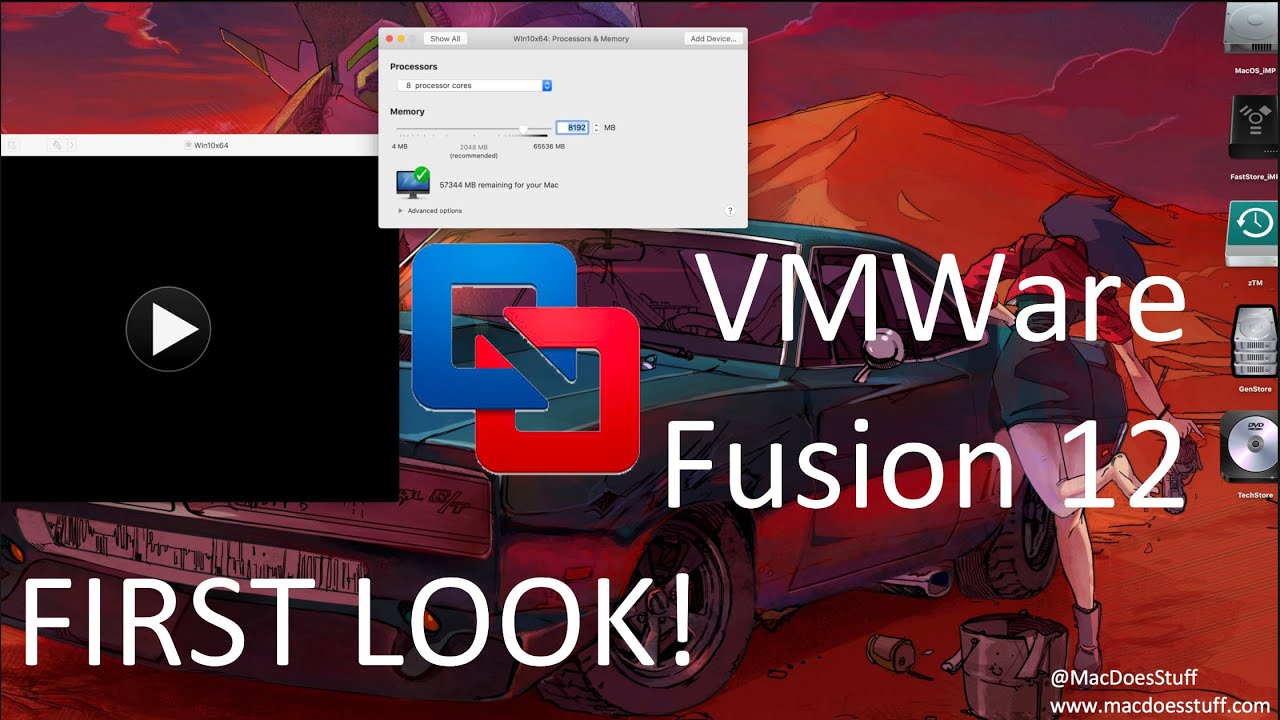
VMware Fusion is tailored for macOS users seeking high-performance virtualization.
Features:
- Supports Windows and Linux guests.
- Enhanced graphics capabilities.
- Integration with macOS utilities.
Video Tutorial:
🎮 10. VMware Workstation Player
- Supported Platforms: Windows
- Type: Premium
- Official Website: vmware.com/products/workstation-player.html
- Download Link: vmware.com/products/workstation-player.html
Overview:
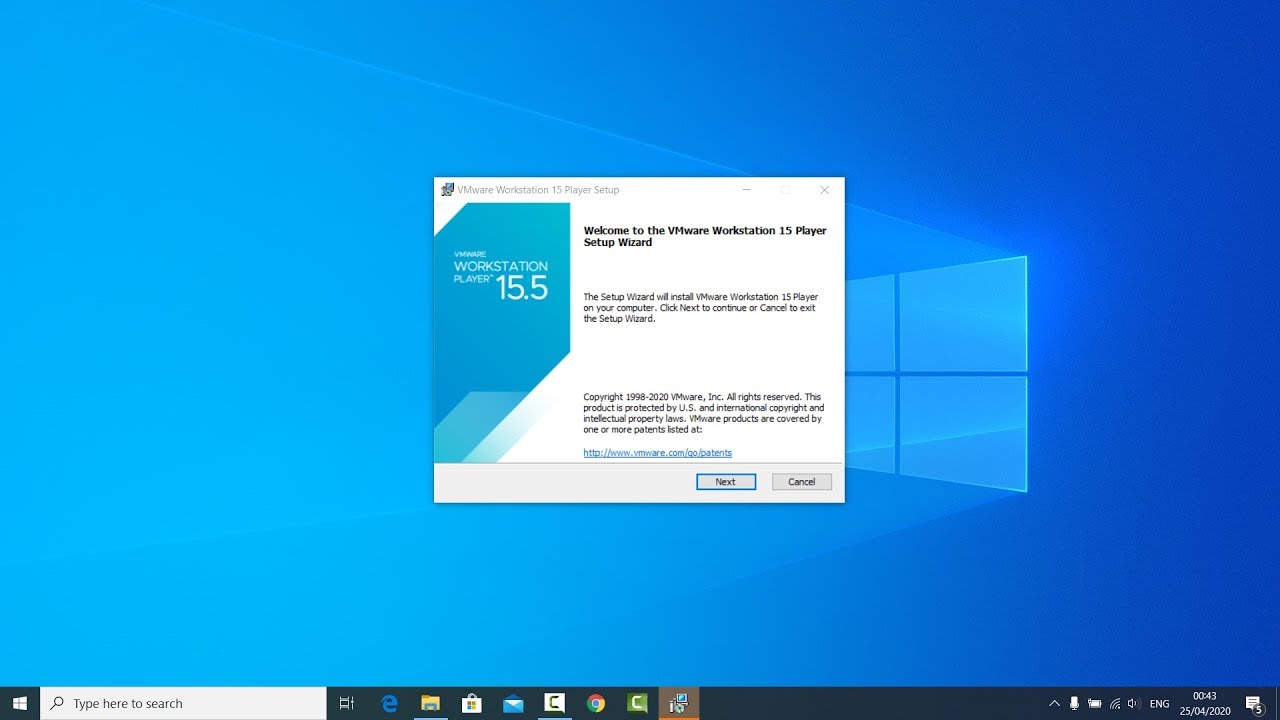
VMware Workstation Player offers a streamlined virtualization experience for individual users.
Features:
- Easy setup and operation.
- Optimized for personal use.
Video Tutorial:
📊 Conclusion
Choosing the right virtualization software depends on your needs, from enterprise-level solutions like VMware and Xen to free, beginner-friendly platforms like VirtualBox and QEMU. Each option offers unique features to cater to specific use cases. Explore the tools mentioned here to enhance your virtualization experience.
📚 References
- QEMU Documentation
- VirtualBox Manual
- VMware Workstation Documentation
- Xen Project Overview
- Linux KVM Documentation